
Step 5 of 5: Exam Day
CSCE and FCC Form 605
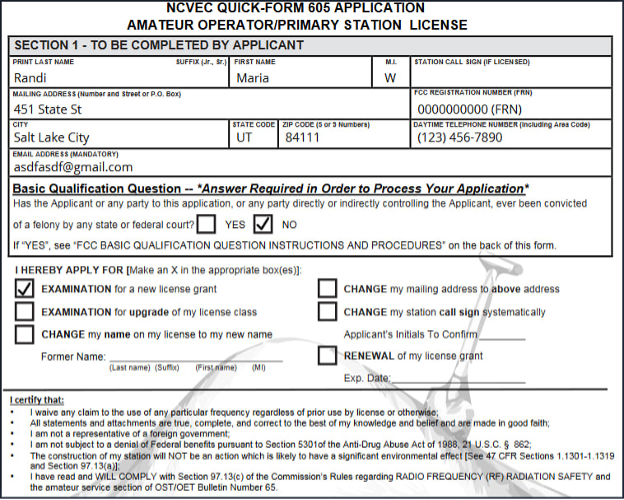
At the end of the examination, candidates sign two documents: the license application (FCC Form 605) and the CSCE (Certificate of Successful Completion of Examination), which records the elements passed. This page shows each screen so that personal details can be verified in advance.
1. Verification of Personal Details
When the examination opens, confirm your full legal name, address, telephone number and email address. Your name must match your photo identification exactly. Details can be changed only at this point; any change after the examination requires voiding the examination and starting again.
2. Review of the Forms
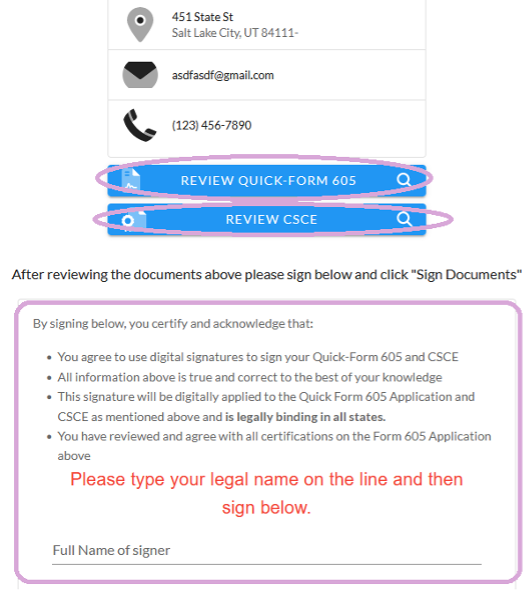
The first box, Review Quick Form 605, opens the application:
The second box, Review CSCE, opens the certificate:
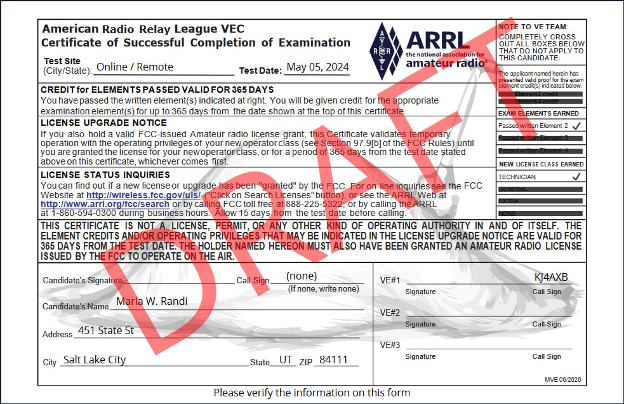
Candidates may ask to review either form before signing.
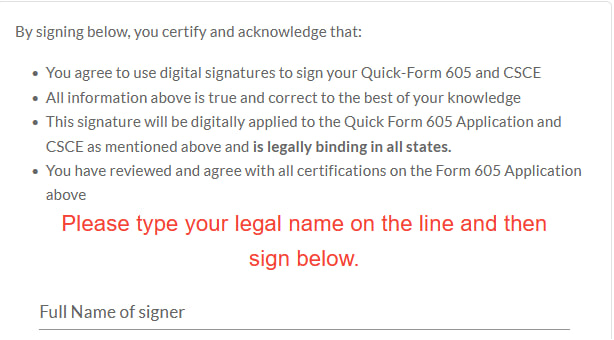
3. Certification
Signing the certification confirms agreement with each of its statements:
The CSCE is emailed within 48 hours.